If you want to start an Amazon business in California, the Amazon side is the easy part. Signing up for Seller Central takes an afternoon. What trips up California sellers is the state layer on top: an LLC that owes an $800 tax every year whether it earns a dollar or not, sales tax rules that change the moment you sell anywhere other than Amazon, and Proposition 65 warnings that Amazon asks every seller to handle. This guide walks through each piece in the order you will actually deal with it, using official California and Amazon sources.
Quick Answer
To start an Amazon business in California: decide whether to form an LLC (the online filing fee is $70, plus a $20 Statement of Information within 90 days), budget for California’s $800 annual LLC tax, get a free EIN from the IRS, and register a seller account on Amazon (Professional is $39.99 per month). If every sale you make goes through Amazon, California’s Marketplace Facilitator Act generally means Amazon collects and pays the sales tax and you do not need your own seller’s permit. Once you sell through your own website, at events or wholesale, you need to register with the CDTFA. Check whether your products need a Prop 65 warning before you list them.
In this guide
- Choose your business structure in California
- California’s $800 LLC tax and the LLC fee
- Sales tax, seller’s permits and Amazon
- Proposition 65 warnings on Amazon listings
- City and county business licenses
- Setting up your Amazon seller account
- What it costs to start
- Worked example: first-year numbers
- Common mistakes California sellers make
- Tips for a smoother launch
- FAQ
Choose Your Business Structure in California
Amazon lets you register as an individual or as a business, so you do not strictly need an LLC to start. Plenty of sellers begin as sole proprietors and form an entity once sales are steady. In California, that decision has a bigger price tag than in most states, so it is worth thinking through before you file anything.
Sole proprietor
No state formation filing and no $800 entity tax. You report Amazon profit on your personal return. The trade-off is that there is no legal separation between you and the business. If you sell under a name other than your own, you will usually file a fictitious business name statement with your county.
LLC
California LLCs are formed by filing Articles of Organization with the Secretary of State through bizfile Online. According to the California Secretary of State’s LLC forms and fees page, the online formation filing is $70. You then file a Statement of Information within 90 days of registering, and every two years after that, for $20. You also need an agent for service of process with a California address; you can act as your own agent if you have one.
After the state approves your LLC, get an Employer Identification Number from the IRS. It is free when you apply directly on IRS.gov, and you will want it for a business bank account and for Amazon’s tax interview.
California’s $800 LLC Tax and the LLC Fee
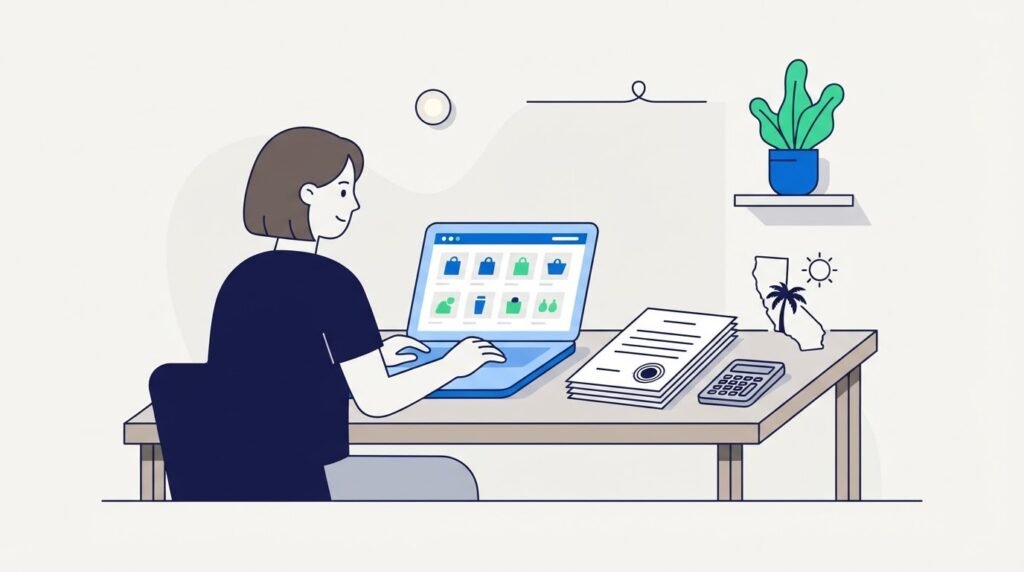
This is the single biggest difference between selling on Amazon from California and selling from most other states. The Franchise Tax Board’s LLC page states that every LLC doing business or organized in California must pay an annual tax of $800, and that it stays due even if the LLC is not conducting business, until the LLC is cancelled.
- First payment: due by the 15th day of the 4th month after you file with the Secretary of State. An LLC registered in June, for example, owes its first $800 by September 15.
- No first-year break anymore: the temporary first-year exemption only covered tax years beginning from 2021 through 2023. A new LLC formed today pays in year one.
- The LLC fee on top: once total California income reaches $250,000, an additional fee applies: $900 up to $499,999, $2,500 up to $999,999, $6,000 up to $4,999,999 and $11,790 at $5,000,000 or more. It is estimated and paid by the 15th day of the 6th month of the tax year using FTB 3536.
- Annual return: LLCs file Form 568. Missing the Statement of Information can also trigger a $250 Secretary of State penalty that the FTB collects.
The practical takeaway: an LLC formed “just in case” before you have a product costs $800 a year from day one. Many California sellers validate a product first, then form the LLC when the liability protection is worth the fixed cost. A CPA can tell you which order fits your situation.
Sales Tax, Seller’s Permits and Amazon
California’s Marketplace Facilitator Act took effect on October 1, 2019. Under it, a marketplace facilitator that is registered (or required to register) with the California Department of Tax and Fee Administration is treated as the seller and retailer for the sales it facilitates. In plain terms, Amazon collects and pays California sales tax on your Amazon orders delivered in the state.
The CDTFA’s guidance on online marketplaces and fulfillment centers says that if all of your retail sales are facilitated by a registered marketplace facilitator, you are not required to register for a seller’s permit or a Certificate of Registration – Use Tax. That word “all” matters:
- Amazon only: generally no seller’s permit required. Keep documentation showing Amazon is registered with the CDTFA and responsible for the tax, and note Amazon’s permit or account number, which you can check on the CDTFA’s verification page.
- Amazon plus your own website, markets, pop-ups or wholesale: you need to register with the CDTFA and report the sales Amazon does not handle. The CDTFA generally expects a seller’s permit from anyone making three or more sales of merchandise in a 12-month period.
- Regulated fees: since January 1, 2022, registered marketplace facilitators also collect certain California fees (such as the electronic waste recycling fee and tire fee) on marketplace sales. You still owe them on sales made outside the marketplace.
If you plan to add a Shopify store later, read our guide to selling on Shopify in California, because that is the point where a CDTFA seller’s permit usually becomes necessary.
Proposition 65 Warnings on Amazon Listings
Proposition 65 requires warnings when a product can expose Californians to chemicals on the state’s list. Under the law itself, businesses with fewer than 10 employees are exempt, according to the OEHHA’s Prop 65 FAQ for businesses. Amazon, however, asks every selling partner, including small ones, to determine whether its products contain a listed chemical and to provide the required warning through Seller Central.
In practice, when you create a listing, open the Compliance section and choose the correct California Proposition 65 warning type and chemical name if one applies. Ask your supplier for material or test information before you order inventory, especially for plastics, vinyl, cosmetics, supplements, jewelry and anything with coatings. This applies to every Amazon seller who ships to California customers, but California-based sellers tend to meet it first.
City and County Business Licenses
California has no single statewide general business license. Your city usually issues one (often called a business tax registration or certificate), or your county does if you live in an unincorporated area. Running an Amazon business from home may also need a home occupation permit in some cities. The state’s free CalGold tool lists permits by city and business type, so search your address before you launch.
Setting Up Your Amazon Seller Account
Once your state paperwork is sorted, the Amazon steps are straightforward:
- Pick a selling plan. Per Amazon’s pricing page, the Individual plan costs $0.99 per item sold and the Professional plan costs $39.99 per month. Professional adds bulk listing tools, Amazon Ads, brand tools with Brand Registry and Automate Pricing. You can switch plans after registering.
- Gather your documents. Have a government ID, bank account, credit card, phone number and your business details ready. Use the exact legal name and address that appear on your California LLC filing or personal ID so verification goes smoothly.
- Complete the tax interview. Enter your EIN (for an LLC) or SSN (for a sole proprietor).
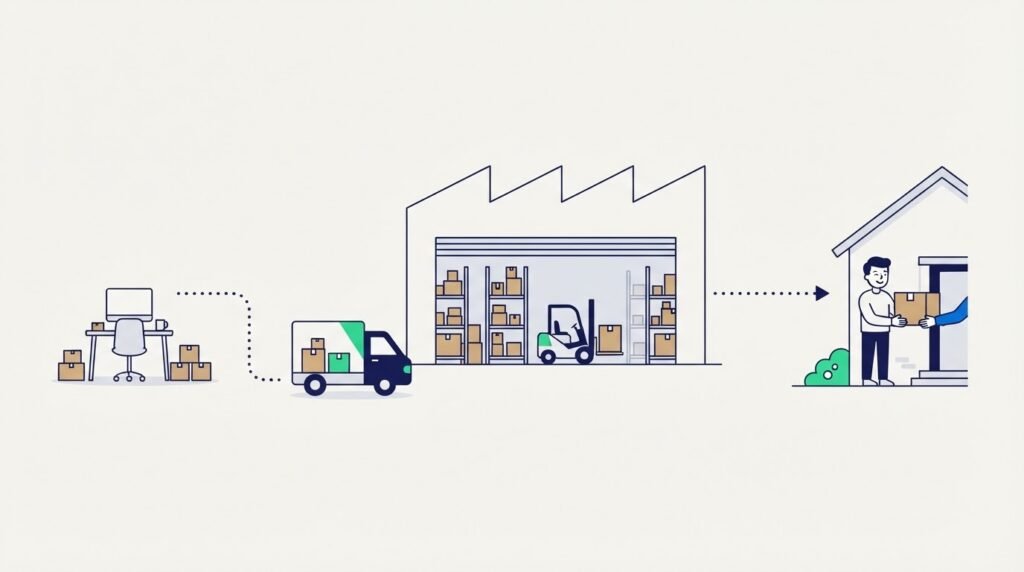
- Choose fulfillment. With Fulfillment by Amazon (FBA), you ship inventory to Amazon and Amazon stores, packs and delivers orders. With Fulfilled by Merchant, you ship orders yourself.
- Create listings with compliance fields filled in, including the Prop 65 attributes covered above.
- Model your fees with Amazon’s Revenue Calculator before ordering inventory.
Referral fees are charged on every sale as a percentage of the total price or a minimum amount, whichever is greater. On Amazon’s current schedule, Home and Kitchen is 15%, Computers is 8% and most categories have a $0.30 minimum. If you would rather have the product research, sourcing and launch handled with you, our Amazon micro private label service starts from $500 on a 70/30 profit share.
What It Costs to Start an Amazon Business in California
| Item | Cost | When |
|---|---|---|
| LLC Articles of Organization (online) | $70 | Once, at formation |
| Statement of Information | $20 | Within 90 days, then every 2 years |
| FTB annual LLC tax | $800 | Every year, including year one |
| FTB LLC fee | $900 to $11,790 | Only if California income is $250,000 or more |
| EIN from the IRS | $0 | Once |
| CDTFA seller’s permit | Not needed for Amazon-only sales | Required once you sell outside a registered marketplace |
| City or county business license | Varies by city | Check CalGold for your address |
| Amazon Professional plan | $39.99 per month | Monthly |
| Amazon Individual plan | $0.99 per item sold | Per sale (alternative to Professional) |
| Referral fees | Category-based %, usually $0.30 minimum | Per sale |
| FBA fees | Depends on size and weight | Per unit, plus storage |
Worked Example: First-Year Numbers
Illustrative numbers only. The product cost, FBA fee and ad spend below are assumptions for the example, not quotes. Use the Revenue Calculator and your supplier’s quote for real figures.
Imagine a seller in Sacramento who forms an LLC and sells a $25 kitchen gadget through FBA, averaging 50 units a month (600 a year).
- Referral fee (Home and Kitchen, 15%): $3.75 per unit
- Assumed FBA fulfillment fee: $5.00 per unit
- Assumed landed product cost: $7.00 per unit
- Assumed advertising: $2.50 per unit
- Contribution per unit: $25.00 − $18.25 = $6.75, or $4,050 across 600 units
Fixed California and Amazon costs for year one: $70 (Articles) + $20 (Statement of Information) + $800 (FTB annual tax) + $479.88 (twelve months of the Professional plan) = $1,369.88. That leaves about $2,680 before income tax and any city license. The $800 tax alone takes roughly 20% of the contribution at this volume. At 10 units a month, the same fixed costs would wipe out the profit entirely, which is why timing your LLC matters more in California than elsewhere.
Want someone to pressure-test these numbers for your own product idea? Book a free 30-minute consultation and we will walk through them with you.
Common Mistakes California Sellers Make
- Forming an LLC months before launching. The $800 clock starts when you file, not when you make your first sale.
- Forgetting the 90-day Statement of Information. A missed filing can bring a $250 penalty.
- Assuming “Amazon handles tax” covers everything. It covers Amazon-facilitated sales only. A single craft fair or a Shopify store changes your CDTFA obligations.
- Leaving Prop 65 fields blank. Amazon expects every seller to assess its products, regardless of headcount.
- Skipping the city license. Many California cities require a business tax registration even for home-based online sellers.
- Mismatched details. A business name or address on Amazon that does not match your state filing can slow down seller verification.
Tips for a Smoother Launch
- Put every state deadline in one calendar: Statement of Information, the April 15 annual tax (for calendar-year LLCs) and the June 15 LLC fee estimate if you expect $250,000 or more.
- Save Amazon’s marketplace facilitator documentation and permit number in your records folder for any CDTFA question.
- Ask suppliers about Prop 65 chemicals before you place a purchase order, not after the inventory reaches a warehouse.
- Open a separate business bank account from day one so Form 568 and your bookkeeping stay clean.
- If you are comparing states or moving, see how the rules differ in our guide to selling on Amazon from Texas, which has a different entity cost structure.
FAQ
Do I need an LLC to sell on Amazon in California?
No. Amazon accepts individual sellers. An LLC adds liability protection but also the $800 annual tax, so many sellers start as sole proprietors and form an LLC once sales justify the cost.
Do I need a California seller’s permit if I only sell on Amazon?
Generally no. The CDTFA says marketplace sellers whose retail sales are all facilitated by a registered marketplace facilitator do not need a seller’s permit. You do need one once you sell through other channels.
Is the $800 California LLC tax due in my first year?
Yes. The first-year exemption only applied to tax years beginning in 2021 through 2023. Your first payment is due by the 15th day of the 4th month after you file with the Secretary of State.
Does Prop 65 apply to a one-person Amazon business?
The law exempts businesses with fewer than 10 employees, but Amazon’s policy asks all selling partners to assess their products and add any required warning in Seller Central.
Which Amazon plan should a new California seller choose?
If you expect to sell fewer than about 40 units a month, the Individual plan ($0.99 per item) costs less. Above that, or if you want ads and brand tools, the Professional plan at $39.99 per month makes more sense.
Do I need a city business license to sell on Amazon from home?
Often yes. Most California cities require a business tax registration, and unincorporated areas go through the county. Use CalGold to check your address.
Conclusion
Starting an Amazon business in California comes down to three state decisions made in the right order: when to form an LLC given the $800 annual tax, whether you will sell anywhere besides Amazon (which decides your CDTFA registration), and whether your products need Prop 65 warnings. Get those right, register your Amazon account with matching details, and model your fees before you buy inventory. If you want help choosing a product or managing the launch, contact the Msharf team.
Looking to build or scale your Amazon, Walmart, or Shopify business? Msharf can help you develop and manage your e-commerce business. Book a consultation with our team.
This information is based on official sources (California Secretary of State, Franchise Tax Board, CDTFA, OEHHA, IRS and Amazon) as of November 2026 and can change. It is general information, not legal or tax advice; confirm your situation with a qualified professional.